Confirm the line can receive calls
Check your mobile signal, SIM status, balance if your carrier requires it, and any call-blocking settings.
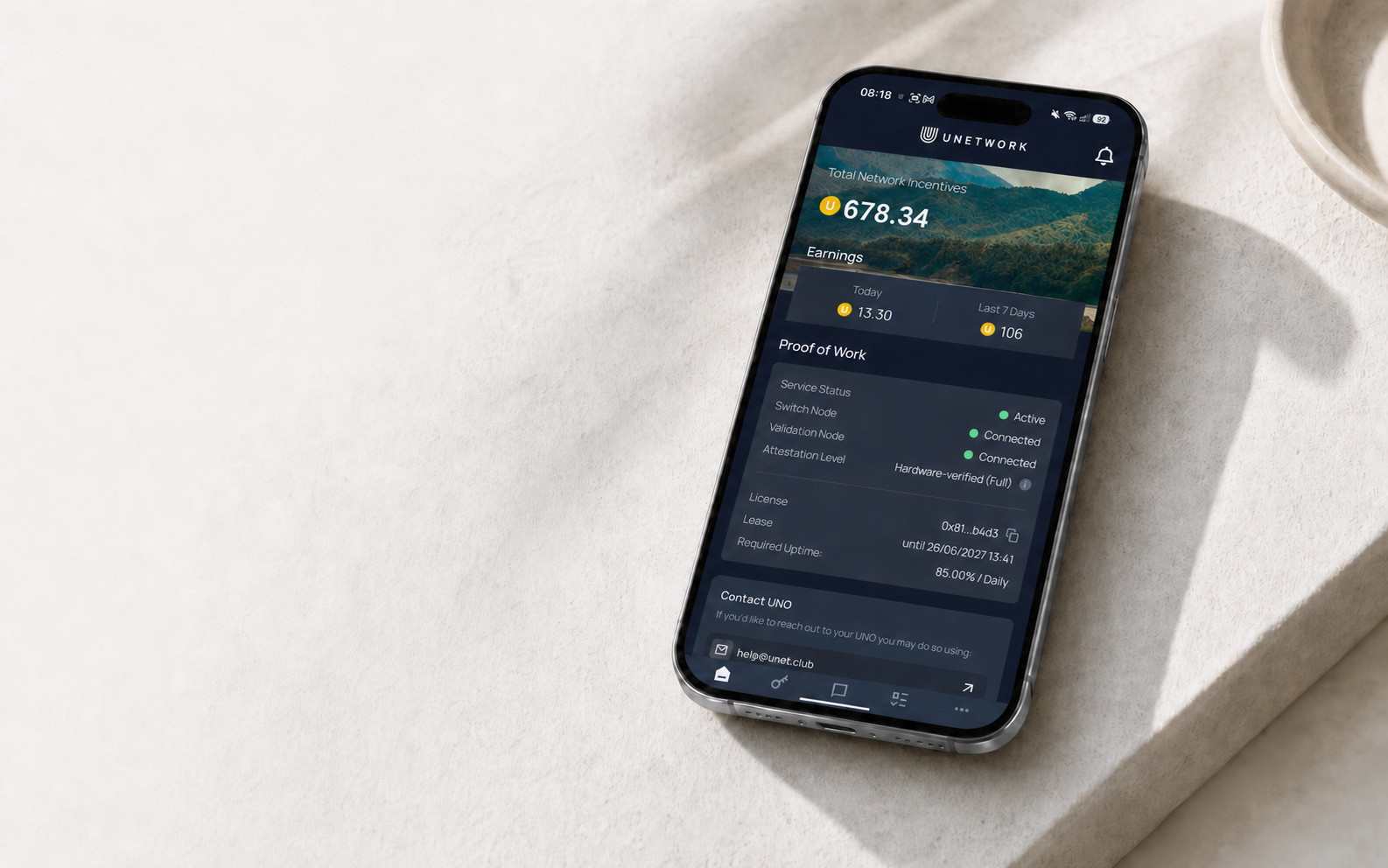
Live Unetwork task
Receive a real test call on your mobile number, then report exactly what appeared on your phone.
CLI task guide
Current section: Overview
What this task checks
Caller ID CLI Testing uses real phones, mobile numbers, and carrier networks. Unetwork sends or assigns an inbound test call, and your report records what happened on your device.
These reports show how call delivery can differ by country, carrier, route, signal, device, and time of day. The task is about observing and reporting the result—not having a conversation.
Before you start
Wi-Fi can keep the app connected, but it does not replace mobile service. The test call must reach an active SIM or eSIM.
Your active SIM or eSIM must be able to receive normal incoming calls on the mobile network.
Leave the phone powered on, charged, and connected to a reliable mobile signal.
Enable notifications and background activity so you can see the task and report it promptly.
Keep the Unetwork app updated before taking part in a live test campaign.
How it works
A missed call can still be valid. What matters is checking the result and reporting it accurately within the task window.
The call looks like a normal incoming call. You can answer it, let it ring, or miss it.
Look at the caller information exactly as it appeared on your device. A missing or unexpected caller ID is still a result.
Report what you saw without guessing. Complete the task within the deadline shown in the app and no later than 24 hours after the call.
Task availability
CLI tasks are created by live testing needs, so volume changes over time and differs between operators. There is no fixed daily task count.
Troubleshooting
Check your mobile signal, SIM status, balance if your carrier requires it, and any call-blocking settings.
Allow notifications and background activity for the Unetwork app.
Strict power-saving or manufacturer battery settings can prevent the app from showing a task promptly.
Good to know
Yes. A dedicated device is not required; use your regular phone if it meets the setup requirements above.
iOS limits some background activity, so PoW may appear offline. Caller ID CLI tasks can still be available on iPhone.
Ready for a CLI task
An active mobile line, accurate reporting, and a timely response are all you need to participate.