Complete KYC first, then choose a crypto wallet or bank account. Crypto uses a wallet address, network, asset, and live funding check. Bank transfer uses fiat limits and verified bank details.
Receive rewards in assets such as ETH, USDC, BTC, and supported tokens across available networks. Use this path when you control the destination wallet and selected network.
Minimum
$5 USD
Maximum
$150 USD
Complete KYC before requesting a crypto withdrawal.
You need a valid wallet address for the selected network.
Check the live quote review before confirmation.
Fiat payout
Bank account
Receive rewards by direct bank transfer in USD, EUR, or GBP. Fiat withdrawals require identity verification and bank details that match the verified account holder.
Minimum
200 UPS
Single max
1000 UPS
24-hour max
1000 UPS
Complete KYC before requesting a bank withdrawal.
Destination currencies: USD, EUR, or GBP.
Crypto only
Crypto Funding Check
Before confirming a crypto withdrawal, check whether the payout wallet has funds on your selected network and asset.
Start at manage.unetwork.io. Sign in with the same sign-in method you use on mobile so your license rewards load correctly.
1
Visit manage.unetwork.io
Open the portal and select Get Started to start the withdrawal flow.
2
Choose your operator role
As a network operator, select Unetwork to access your license rewards.
3
Review rewards totals
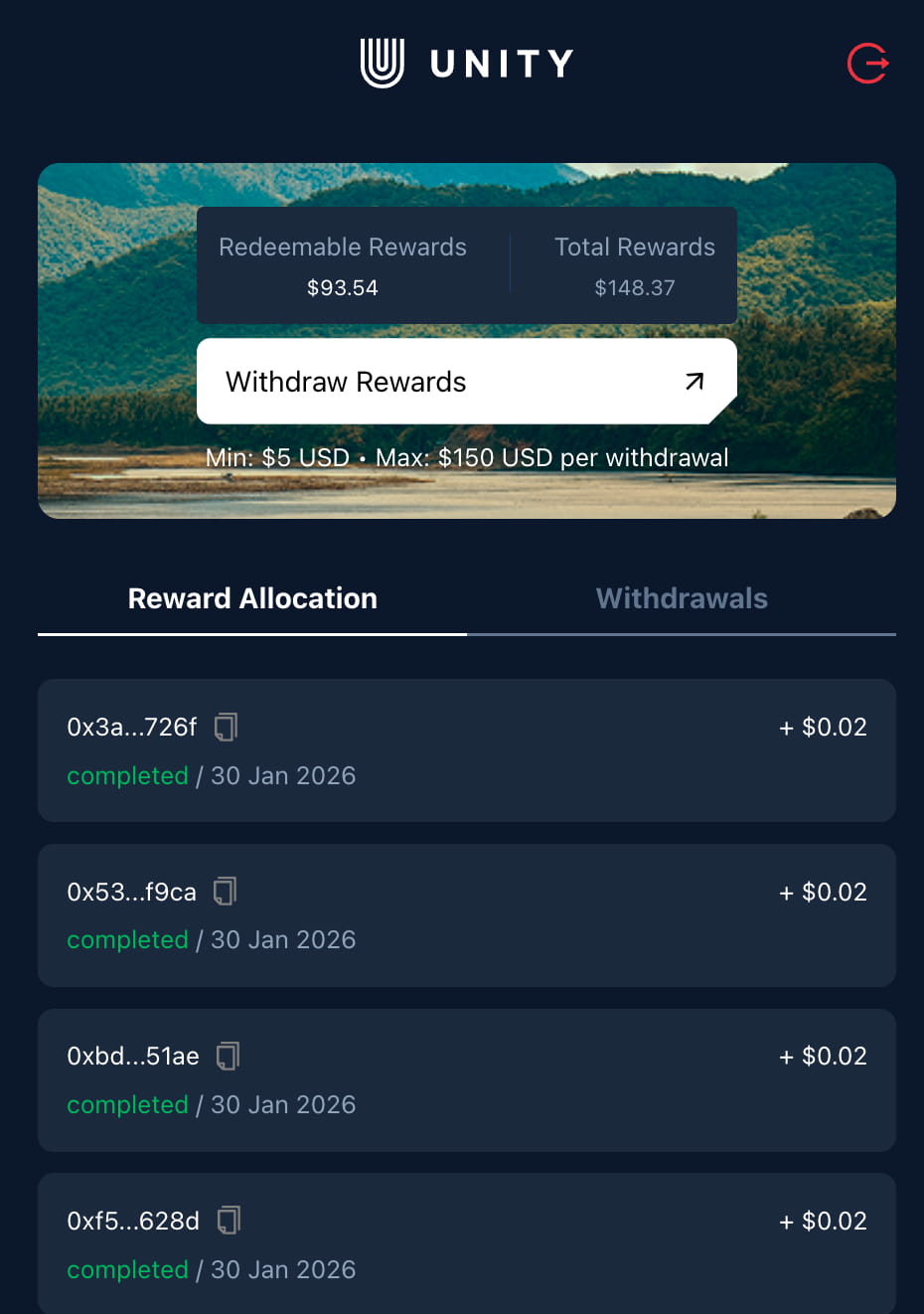
Check Redeemable Rewards, available now, and Total Rewards, lifetime, before withdrawing.
4
Choose the destination
Complete KYC, then select Crypto wallet for an on-chain payout or Bank account for fiat transfer.
Rewards dashboard previewCheck Redeemable Rewards first, then choose a crypto wallet or bank account as the destination.
Crypto wallet path
Crypto withdrawals require KYC, a wallet, network, asset, and quote
Complete KYC in the portal, then choose Crypto wallet for an on-chain payout. This path keeps the existing wallet requirements and USD withdrawal limits.
01
Complete KYC
Finish identity verification in the portal before starting a crypto withdrawal. KYC is required for every reward withdrawal.
02
Crypto limits
Minimum withdrawal is $5 USD. Maximum crypto withdrawal is $150 USD per request.
03
Wallet address and network
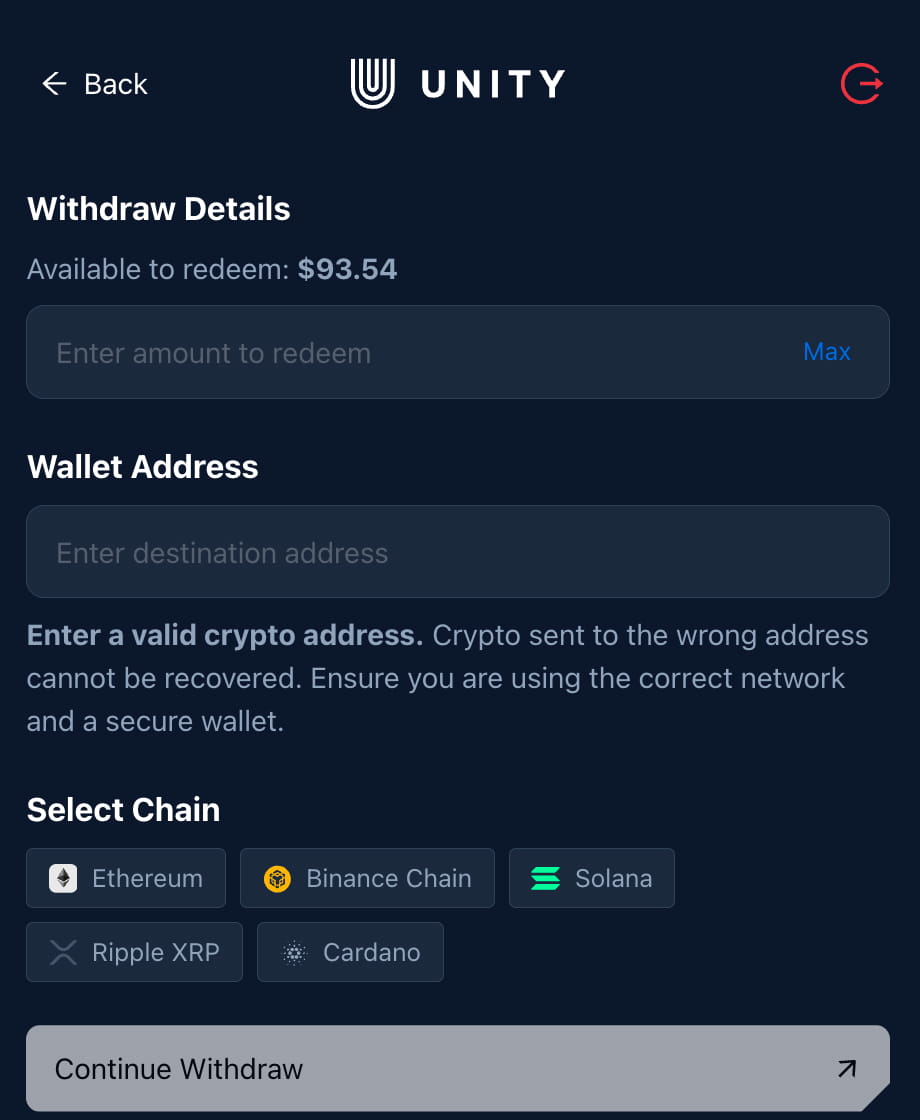
Enter a valid destination wallet address, then choose the supported network and asset. For example: Ethereum and USDT.
04
Payout wallet funding
Use the crypto funding check above to confirm the payout wallet has funds for the selected network and asset.
05
Live quote
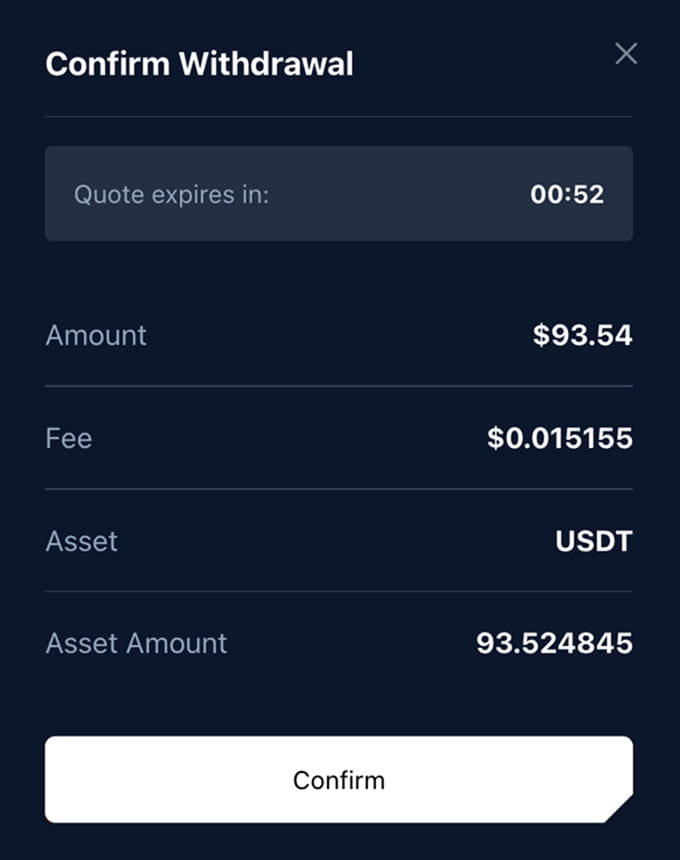
Select Continue Withdraw to review the fee, asset amount, and destination before confirming.
Crypto details previewCrypto flow example shown: amount, wallet address, network selection, and Continue Withdraw.
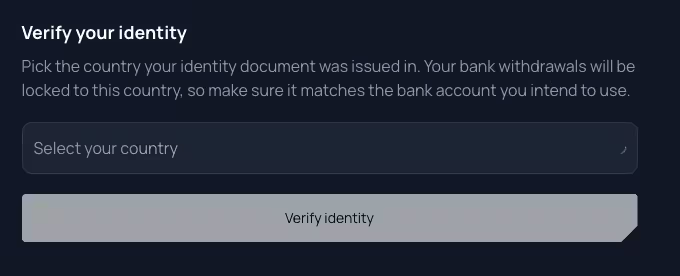
Identity verification previewBank withdrawals use the country verified during KYC.
✓
Verification ready
The portal prepares a partner verification session. Select Continue to begin.
KYC and bank account path
Fiat (bank account) withdrawals
Complete KYC, then choose Bank account for direct transfer in USD, EUR, or GBP. KYC is required for every reward withdrawal.
01
Fiat limits
Minimum withdrawal is 200 UPS. Maximum single withdrawal is 1000 UPS. Daily withdrawal limit is 1000 UPS.
02
Select your country
Pick the country that issued your identity document. The bank withdrawal country is locked to that verified country.
03
Complete the partner KYC flow
Upload an accepted ID, such as a passport or national ID, then provide legal name, date of birth, ID number, and a live photo.
04
Wait for approval
Verification usually takes a few minutes. Once KYC passes, the bank withdrawal form becomes available.
After KYC passes for any withdrawal
Bank details must match the verified identity
Enter account holder details exactly as they appear on the bank account. Business accounts must include registration details when requested.
1 UPS = 1 USD. Destination currency can be USD, EUR, or GBP.
01
Your details
First name and last name.
Account type: personal or business.
Business name if the account is business.
Optional tax ID or registration number.
02
Residence and address
Country of residence is locked to KYC.
Street and house or building number.
City, province or state, and ZIP or postal code.
03
Banking details
Bank name and bank address.
IBAN.
BIC or SWIFT.
Optional bank code.
04
Withdrawal amount
Enter an amount within fiat limits.
Choose USD, EUR, or GBP.
Save details for future withdrawals or leave the option unchecked for a one-off withdrawal.
Final review
Confirm the destination before submitting
Crypto withdrawals show a live quote with fee, asset amount, and destination. Bank withdrawals ask you to review the verified bank destination, amount, and fiat currency.
✓
Crypto quote timing
Quotes can expire or refresh with market prices. Confirm while the quote is active.
✓
Bank account review
Bank details should match the verified identity and destination account exactly before submitting.
✓
Track withdrawal history
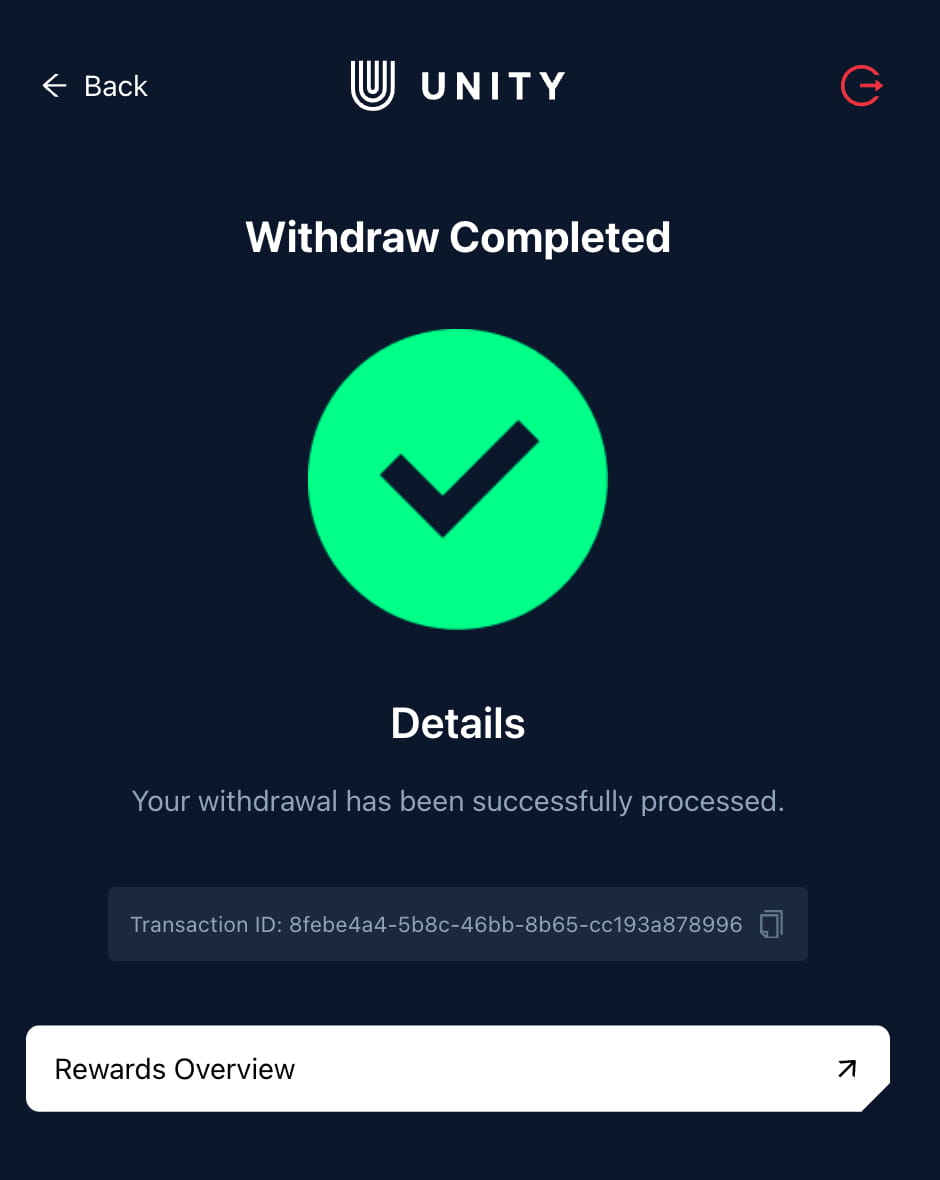
Open Rewards Overview in the portal to view completed withdrawals, transaction IDs, and status details.
Quote and completion previews
Withdrawals FAQ
Do crypto and bank withdrawals use the same limits?
No. Crypto withdrawals use a $5 USD minimum and $150 USD maximum per request. Bank withdrawals use a 200 UPS minimum, 1000 UPS maximum per request, and 1000 UPS daily limit.
Is KYC required for crypto withdrawals?
Yes. Complete KYC in the portal before requesting a crypto or bank withdrawal. For crypto, you then enter a valid wallet address, choose the network and asset, and review the quote before confirming.
Which fiat currencies are supported?
Bank withdrawals can be sent in USD, EUR, or GBP. The conversion shown in the portal is 1 UPS = 1 USD.
How do I choose between USDT and USDC?
Both are stable assets. Choose the one your wallet or exchange supports on your selected network.
Can I withdraw crypto to an exchange wallet?
Use caution. Some exchanges require a memo or specific network. A personal wallet is safest if you are unsure.
Extended Telemetry
ULOs and UNOs can see generated UP daily at 00:00 UTC. Extended Telemetry UP stays locked during the week and becomes available for withdrawal every Tuesday at 00:00 UTC. This weekly unlock applies only to Extended Telemetry.
KYC · Sumsub / ShuftiPro
Individual KYC uses Sumsub. Completed ID and address verification through ShuftiPro remains valid. If only your ID was verified, complete ID again and then address verification in Sumsub; previously exhausted attempts have been reset. Documents containing your address may simplify verification.