Unetwork Surveys
Answer short studies and earn potential UP rewards when you qualify and your responses are approved.
Explore taskRun the app. Earn rewards.
Unetwork Club helps you access the Unetwork app. The mobile app turns your phone into a telecom network verification device. Its tasks help validate mobile infrastructure and earn you UP rewards.
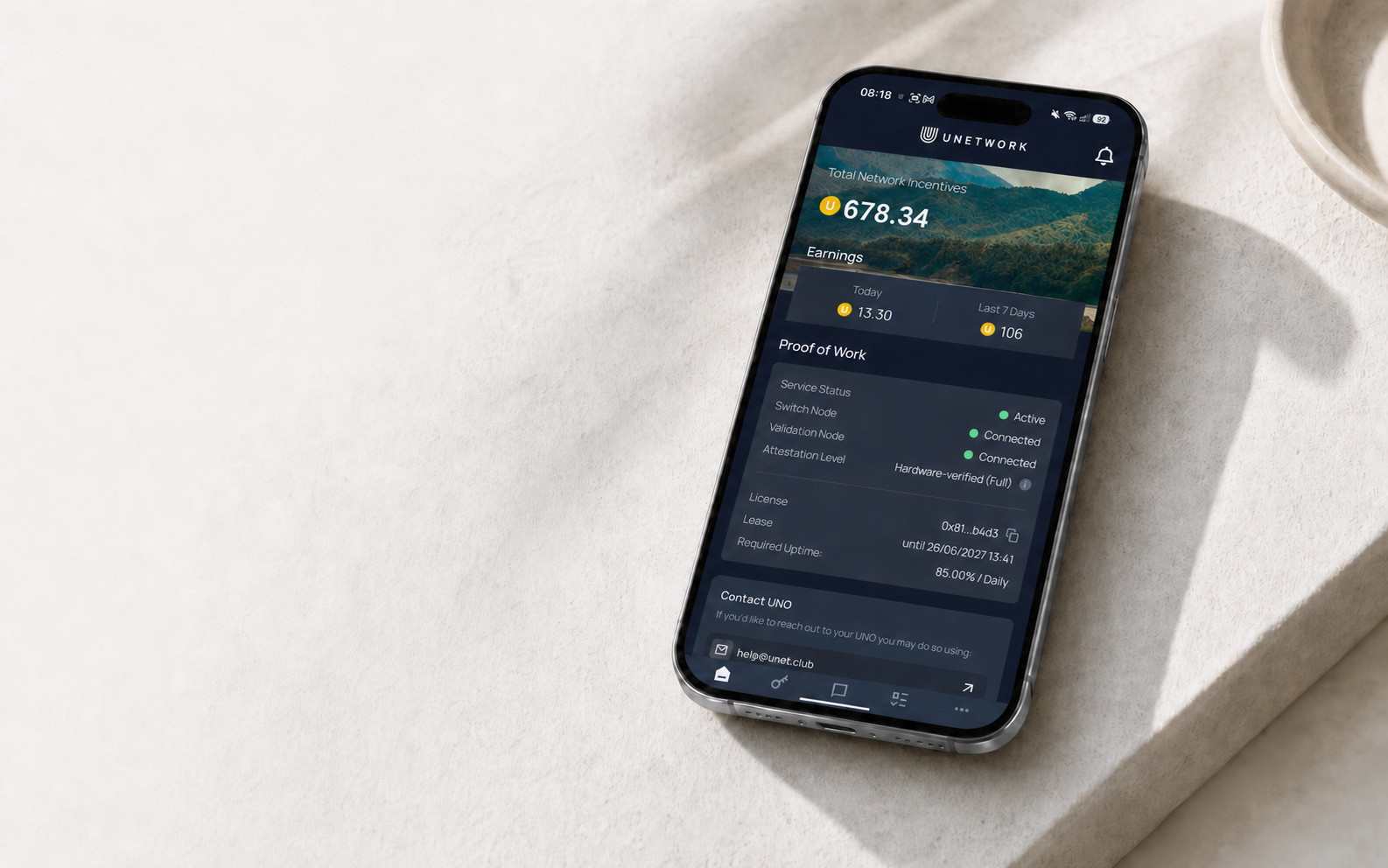
Building network intelligence
Telecom companies need to know how their networks perform in the real world. The Unetwork app coordinates checks on participating phones and turns the results into useful intelligence.
The app coordinates telecom checks based on network demand.
Task requirements depend on your device, connection, carrier, and region.
The results show how routes and connections perform, helping service providers reduce fraud, optimize networks, and control costs.
How it works
Reserve a code in one step. Its reward split, term, and uptime requirements are displayed clearly.
Install the latest Unetwork app and enter your license code. Versions before 1.2.2 are unsupported; use 1.2.3 or later on iOS.
Enable tasks, keep your phone connected, and contribute valuable network data. Approved results add UP rewards to your account.
Claim your license
We select the highest-reward license code currently available. Enter it in the Unetwork app to activate your license.
License codes available
No license codes are available right now.
License term: 12 months · Minimum uptime: 70%
Set up a Unetwork app license, keep your phone connected, and earn rewards from telecom verification tasks.
Your license code
Provider: Club
Tap the code to copy it.
Copy this license code, then enter it in the Unetwork app.


Previous license codes
Your phone, your choice
You decide which tasks you enable on your device.
Answer short studies and earn potential UP rewards when you qualify and your responses are approved.
Explore taskOpt in to earn UP from eligible network measurements. Your device location must match your ULO country.
Explore taskEarn rewards by reporting information from incoming test calls.
Explore taskEarn rewards by reporting information from incoming test messages.
Explore taskScout & Runner is being evaluated in the +1 region. KYC is required to join; wider availability depends on the evaluation.
Explore taskResearch prepaid international call plans and submit source-backed details.
Explore taskEntropy is unavailable on iOS. Paid production is planned for Android and desktop, subject to final commercial terms.
Explore taskUnetwork rewards, explained
Rewards are issued in Unetwork Points (UP) after task results are approved. Your monthly total reflects client demand, uptime, carrier, location, device quality, connection type, and validation.
Staying connected—your uptime—is one of several factors that influence your rewards.
Telecom companies pay for network tests
Your phone participates
The result is verified
Your reward is calculated
Status updates in the app
The Unetwork ecosystem
Before you install
We explain how to access Unetwork and answer common questions.
KYC is required for withdrawals and Scout & Runner. Individual verification uses Sumsub. Completed identity and address verification through ShuftiPro remains valid; you do not need to repeat it. Follow the verification requirements shown in your app.
Your phone completes telecom verification tasks through the Unetwork app. Tasks measure routes, connections, caller ID, messages, signal strength, and other real-world network conditions. You choose which tasks to enable.
Rewards are issued in Unetwork Points (UP) after task results are approved. Your total reflects client demand, uptime, carrier, location, device quality, connection type, validation, and your license terms.
A license code connects one phone to Unetwork. We show the reward split, license term, and uptime requirement with your code so you can review them before activation.
Each task explains the data it uses and the permissions it needs. Read the task details and each phone permission prompt before you enable it.
Battery and data use depend on the tasks you enable, your connection, your device, and task frequency. You can monitor usage in your phone settings.
Complete KYC before withdrawing. Extended Telemetry UP is shown daily at 00:00 UTC and unlocks for withdrawal every Tuesday at 00:00 UTC. Other tasks do not follow this weekly unlock. Review the available method, limits, fees, and destination before submitting.
Your next step
Get a license code, install the Unetwork app, and start contributing. Rewards are based on your participation and approved task results.