Instant match
You can go directly to the Survey questions.
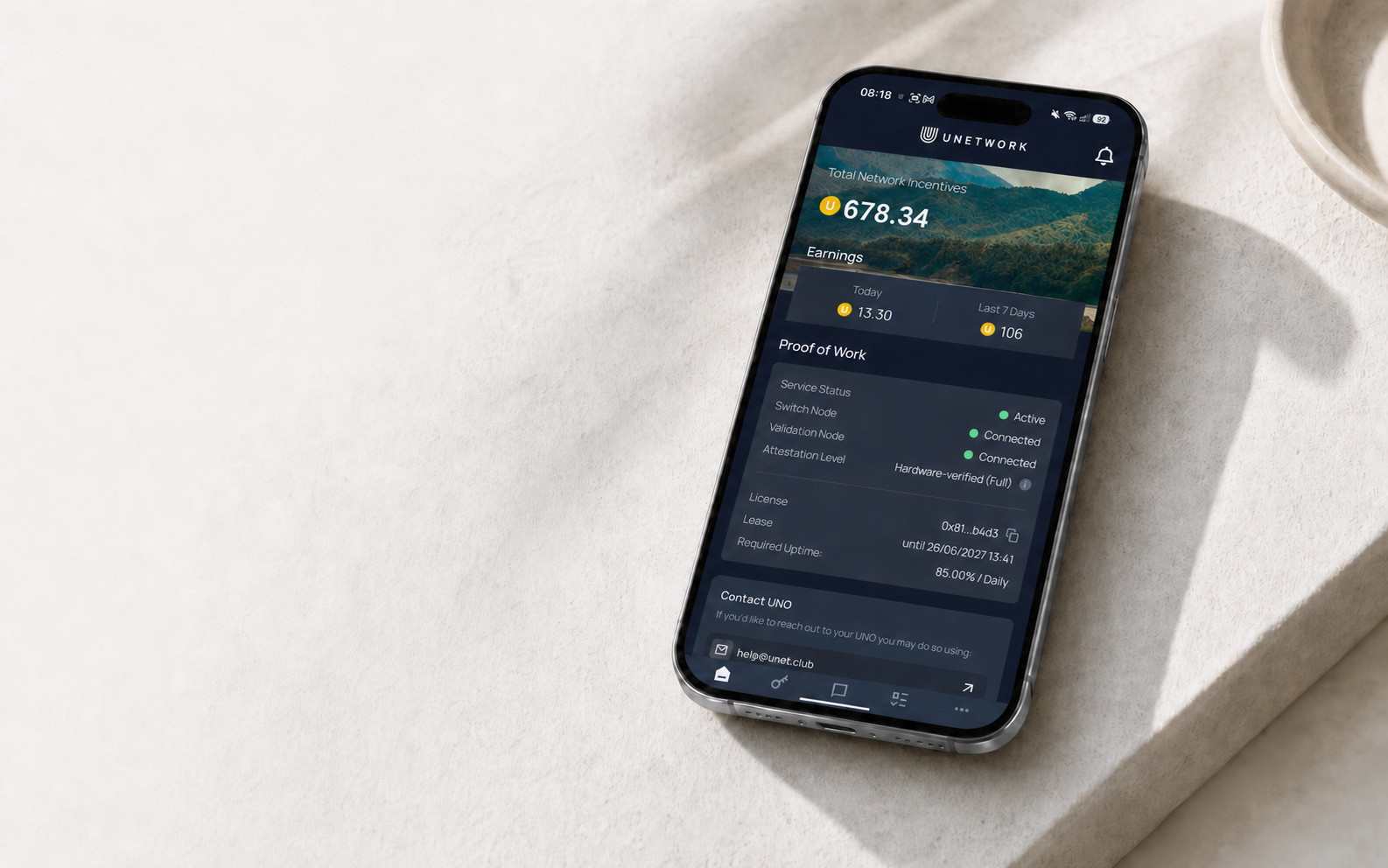
Survey tasks in the Unetwork app
Share your opinions through short studies and earn potential UP rewards when you qualify and your answers are approved.
What it is
Surveys ask for your opinions or experience. The studies you see depend on your country, eligibility, and the places still available. Offers can appear or disappear at any time.
You can go directly to the Survey questions.
A few qualifying questions check whether the study is right for you.
Before you start
The license on your device can be one you own or one you actively lease.
Offers depend on your country, profile, and whether the study still needs participants.
Use mobile data or home internet. VPNs, proxies, and data-centre connections are blocked.
Check the estimated length and complete the Survey in one session whenever possible.
How it works
Open Tasks in the Unetwork app and select Survey. Each offer shows its estimated time and potential reward.
An Instant match starts immediately. Other Surveys ask a few questions first to check whether you qualify.
Read each question and give honest, consistent answers. Rushed or unreliable responses may be rejected.
A completed Survey moves to Pending while it is reviewed. The app shows the expected credit date.
Rewards
Current Surveys generally show full potential rewards of around 0.5–3.0 UP. Survey length alone does not determine the amount.
Before you start
If you use a leased license, the app also shows your share. The split in effect when you finish remains attached to that reward.
After completion
The provider reviews your answers first. Approved rewards are credited at the end of the following month, so they may remain Pending for around 30–60 days.
Good to know
There may be no current study for your location or profile, or the available places may already be full. Check again later.
It means the screening answers did not match that study. The Survey ends and no reward is generated, but it does not count against you.
An unfinished Survey earns no reward and can temporarily hide other offers—usually for around three times its estimated length.
Survey matching follows the country you connect from. Travelling may change the offers and languages you see, but not rewards already completed.
New offers can open throughout the day. Choose a Survey that fits your time, answer carefully, and follow its reward status in the app.